
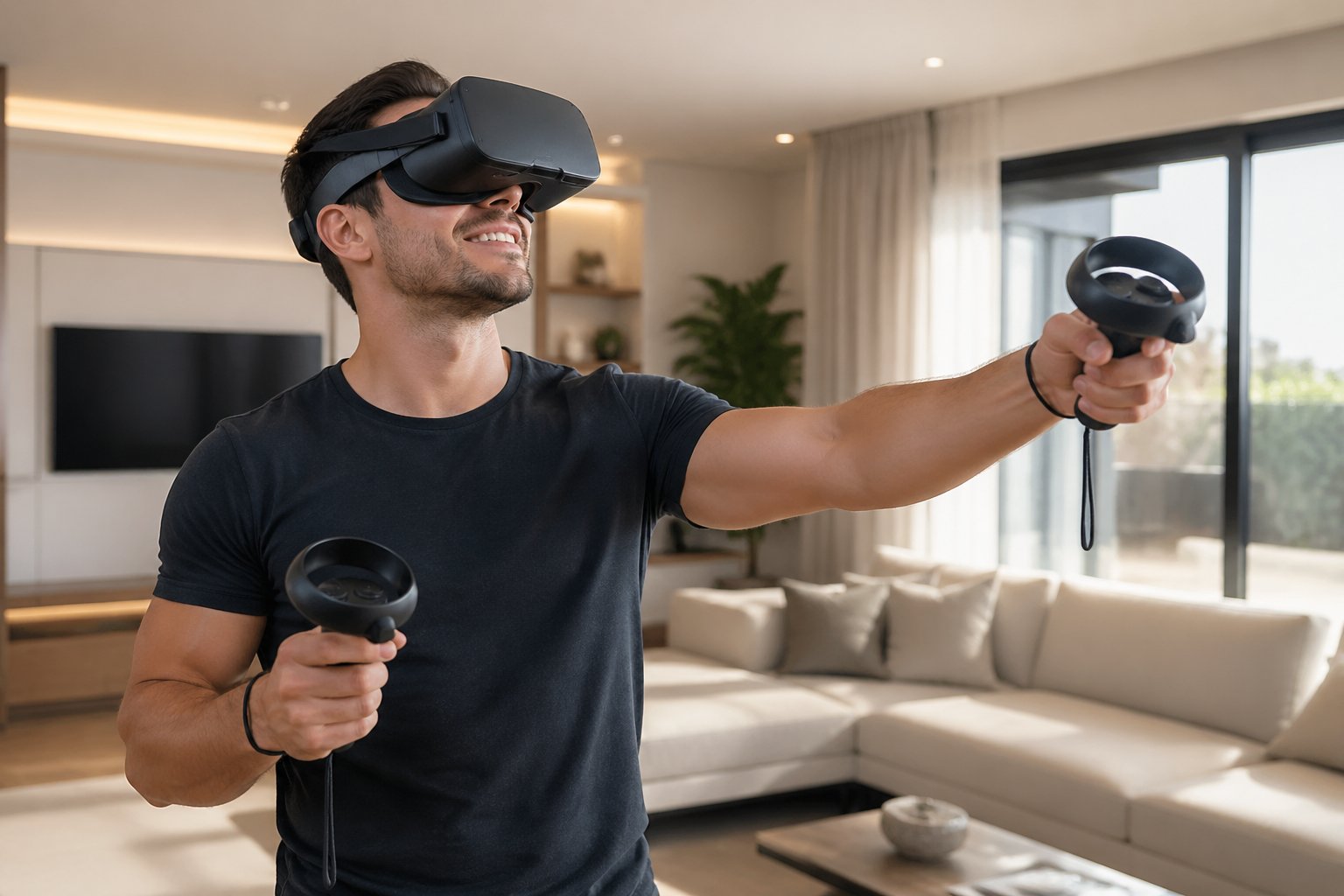
Entering the world of StripChat VR can be a game-changer for adult entertainment enthusiasts.
Experience the new era of adult entertainment with StripChat VR. Immerse yourself in live cam shows like never before. Click to explore!
Here's a quick overview of what this guide covers, worth scanning before you dive in.
💡 Key Takeaways
- StripChat VR performers tend to out-earn 2D performers. Higher tips and longer viewer sessions are the main reasons.
- Broadcasting in VR requires a stereoscopic camera, such as the Insta360 EVO or Kandao QooCam EGO, and specific OBS settings for 3D output.
- Spatial presence, where the viewer feels physically in the room with you, directly increases tip frequency and per-show earnings.
- Lighting isn't optional in VR. It's what makes or breaks the 3D effect.
- Effective VR shows use direct spatial language, actions built for the 180- or 360-degree field, and tip goals only headset viewers can access.
- Rapid camera movement, flat lighting, and ignoring 2D viewers are the three most common VR streaming mistakes.
Why VR on StripChat Is Worth Taking Seriously
Most performers scroll past the VR option without a second thought. That's understandable, it looks like extra setup for unclear returns. But the performers who tried it early and stuck with it tell a different story. VR users on StripChat spend more, tip more, and stay in sessions longer than standard viewers. The earnings gap between VR and 2D isn't small. It's the kind of difference that shows up clearly in a monthly total.
A smaller group of creators is pulling in income their 2D counterparts simply can't match. They're not doing anything exotic. They understood the format, set it up correctly, and kept improving it. That's the whole edge.
This isn't about novelty. It's about how the format filters your audience. A well-run VR show draws in viewers who treat your stream like a private experience, because to them, it genuinely feels like one. That perception drives spending behavior that standard 2D streams rarely produce.
The Core Mechanics: How VR Creates "Presence" and Boosts Tips
VR camming on StripChat works by combining a stereoscopic camera, like the Insta360 EVO, with encoder settings that broadcast a true 3D signal. Get that combination right, and something genuinely interesting happens in the viewer's brain.
Researchers call it spatial presence: the point at which the brain stops registering a screen and starts registering physical proximity. That shift isn't abstract. Studies on VR engagement show that presence correlates directly with emotional investment and, in commercial contexts, with higher spending. A 2021 review published in Frontiers in Virtual Reality found that users in high-presence VR environments reported stronger feelings of connection and were more likely to make in-session purchases than those watching standard video.
For performers, that translates into measurable results. VR viewers who feel genuine spatial presence tip more often and at higher amounts. The 3D format is what turns a forgettable session into one a viewer comes back for. Performers who consistently monetize that effect are almost always the ones who understood the mechanics early and set up their gear accordingly.
Step-by-Step for VR Success: From Gear to Go-Live
1. Choose Your Hardware
Use cameras built for 3D capture, not standard video cameras with a lens adapter. The Insta360 EVO and the Kandao QooCam EGO are the most practical starting points right now. Both output native stereoscopic footage rather than simulating it in post. If you want 360-degree capability alongside 180-degree VR, the Vuze XR is worth a look.
One practical note: avoid discontinued models or hardware with inconsistent firmware support. Reliable software updates and parts availability matter more than you'd expect once you're streaming regularly.
VR users are a self-selecting, higher-spending audience. They've already invested in a headset and they're actively looking for content that justifies it. The right camera positions you as a serious option in that search.
2. Set Up Your Lighting for Depth
Depth perception in VR is largely a lighting problem. Strategic placement of light sources supports the spatial cues your camera is trying to capture. Most performers treat lighting as an afterthought. In VR streaming, it's what separates a convincing 3D image from a flat, underwhelming one. If your room isn't lit for depth, no camera will save the stream.
3. Configure OBS for VR Output
Broadcasting a true 3D signal requires deliberate settings inside OBS. Default configurations won't do it. Incorrect output renders your stream completely flat on any VR headset, regardless of camera quality. Apply all three of the following before your first test stream:
- Output format: Set your video output to side-by-side stereoscopic. This is the standard format recognized by VR headsets and StripChat's VR player. Without it, your dual-lens footage displays as a split-screen rather than a 3D image.
- Minimum bitrate: Target 8 to 12 Mbps. Dropping below 8 Mbps introduces compression artifacts that destroy the depth effect and make the image feel unstable inside a headset. If your upload connection can handle 12 Mbps reliably, use it.
- Resolution target: Aim for at least 1920x1080 per eye. Lower resolutions look visibly pixelated when rendered inside a headset at close range, a problem that barely registers in 2D but is immediately obvious in VR.
4. Test Before You Go Live
Run private test streams before going public. Review the footage through an actual headset if you can. What looks fine on a 2D monitor can look rough inside a headset. Watch it the same way your viewers will, and fix the weakest element, usually lighting or bitrate, before your first live show.
Scripting for Connection: Engaging Your VR Audience
Language lands differently in VR. Acknowledge the format directly: "I see you're in VR, come closer so I can show you the detail." That single line does two things: it validates the viewer's choice to use a headset, and it deepens the sense of shared space. Performers who make that acknowledgment hold VR viewers longer than those who ignore the format entirely.
Build actions into your show that take advantage of the 180- or 360-degree field. A cue like "Switching to 180 mode for a more private view" signals intentionality and gives viewers a reason to stay attentive. That spatial awareness is one of the clearest advantages VR has over a standard stream.
For tip goals, structure them around rewards only VR viewers can access. A 500-token goal that unlocks a dedicated 180-degree close-up, or a 1, 000-token goal tied to a spatial audio segment, works because it offers something a 2D viewer genuinely cannot get. That makes the VR upgrade feel worth every token, and gives your highest earners a concrete reason to spend.
VR Performance: From Novice to Master
If you're just starting out, keep it simple. Position a static tripod roughly three feet away, move slowly and deliberately, and focus on consistency before complexity. A reliable, well-lit VR stream will always outperform an ambitious one that sends viewers reaching for the off button.
Once you have a few VR shows behind you, the next step is exploring binocular movement and spatial audio, techniques that push spatial presence well beyond what basic VR delivers. Introduce them one at a time. The most common mistake at this stage is stacking advanced elements before the fundamentals are solid. Get the foundation right first. The upgrades build naturally from there.
Avoiding Common VR Pitfalls
Moving the Camera Too Fast
Rapid camera movement is the fastest way to induce motion sickness in your audience. Once a viewer feels nauseous, they're gone, and they're not coming back. Slow, intentional movement isn't a limitation. It's good VR technique.
Poor Lighting
Flat or inadequate lighting collapses the 3D effect entirely. If your setup isn't lit to support depth, you're broadcasting a VR stream that doesn't actually look like VR. That defeats the whole point of the format.
Ignoring Non-VR Viewers
VR users may be your highest earners, but they're rarely your entire room. Cutting off 2D viewers to cater exclusively to headset users is a commercial misstep. Keep both groups engaged. The VR audience tips for the format, but your broader audience still contributes real income.
What to Do Next: Your VR Earnings Action Plan
- Purchase a VR-ready camera. The Insta360 EVO or Kandao QooCam EGO are the recommended starting points. Everything else in this framework builds on that investment.
- Configure OBS before your first test. Apply the three required settings: side-by-side stereoscopic output, 8 to 12 Mbps bitrate, and 1920x1080 minimum resolution per eye. Incorrect settings will flatten your stream no matter how good your camera is.
- Update your StripChat bio to include "VR Enabled." It's a direct signal to high-value viewers searching for the format, and it costs nothing to add today.
- Run a 30-minute private test stream. Review it through a headset if possible. Find the weakest element, usually lighting or bitrate, and fix it before your first public VR show.
- Build at least two VR-specific tip goals into your next show. Tie them to format-native rewards only headset viewers can access. This reinforces your premium positioning and gives your highest earners a concrete reason to tip.
The performers earning at the top of StripChat's VR category didn't stumble there. They followed a deliberate setup process and kept refining it show by show. You now have that same process. Entering the world of StripChat VR can be a genuine game-changer for adult entertainment enthusiasts looking to grow their income, and it starts with the right hardware, correct OBS settings, and going live. From there, our profile optimization guide for VR performers covers how to strengthen your bio, preview images, and show titles for maximum visibility with headset users.
Frequently Asked Questions
Why should I consider VR streaming on StripChat?
VR streaming tends to attract higher-spending viewers. VR users tip more, stay in sessions longer, and engage more deeply than standard 2D viewers, making it one of the more reliable ways to increase per-show earnings on the platform.
What equipment do I need to start VR streaming on StripChat?
You need a stereoscopic camera designed for 3D capture. The Insta360 EVO and Kandao QooCam EGO are the most practical starting points. Standard cameras retrofitted with adapters don't produce the same quality of stereoscopic output.
What are the essential OBS settings for VR output on StripChat?
Set your video output to side-by-side stereoscopic, target a bitrate of 8 to 12 Mbps, and aim for a minimum resolution of 1920x1080 per eye. All three need to be in place before your first test stream. Missing any one of them will flatten the 3D effect.
How can I engage my VR audience effectively?
Use direct spatial language that acknowledges the VR format, build actions into your show that use the 180- or 360-degree field, and create tip goals tied to format-native rewards only headset viewers can access. That combination keeps VR viewers engaged and tipping.
What common pitfalls should I avoid in VR streaming?
Three stand out: moving the camera too fast, which causes motion sickness; using flat lighting, which collapses the 3D effect; and ignoring your 2D viewers entirely. All three are easy to avoid once you know to watch for them.
Where can I find additional resources to optimize my StripChat VR presence?
Once your hardware and OBS settings are solid, the next step is digging into advanced guides on profile and visibility optimization. These cover how to strengthen your bio, preview images, and show titles so headset users can find you, and choose you over the competition.
Related Guides in this Category
All Site Reviews →
Ready to experience live cams?
Watch Live Cams Free