
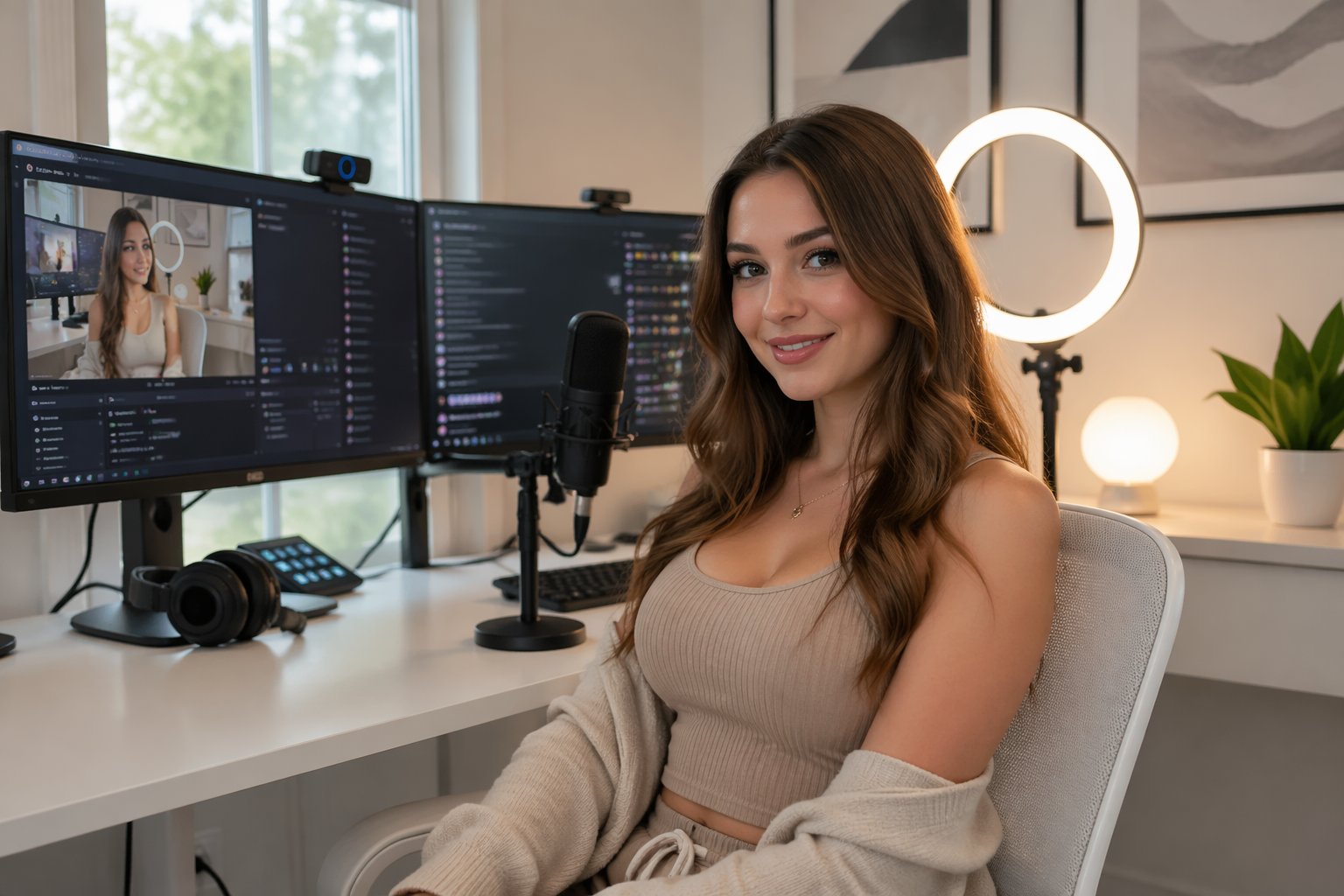
Safety and Privacy for Cam Performers: Secure Online Tips
Safety and Privacy for Cam Performers: The Ultimate Online Protection GuideContentsUnderstanding Privacy Risks for Cam...
💡 Key Takeaways
- A secure cam girl streaming setup typically combines location masking, separated identities, and consistent boundary enforcement.
- Geo-blocking your home state and high-risk regions on streaming platforms is often your first real line of defense, and it's free.
- Dedicated digital ecosystems, a streaming-only device, burner email aliases, separate accounts for everything, are foundational for long-term privacy.
- Two-factor authentication (2FA) should be active on every payout account and broadcast platform you use.
- Hardware kill switches and mail forwarding services are useful advanced tools once the basics are in place.
- Reusing usernames, leaking audio clues, and clicking unverified links are among the most common ways a solid setup gets compromised.
Building a Secure Cam Girl Streaming Setup
Most performers don't think seriously about security until something goes wrong, a stalker, a doxxing attempt, a fan who wouldn't stop. That's understandable, but it's the wrong time to start. A gap in your setup is much easier to close before someone finds it.
A solid streaming setup rests on three things:
- Technical obfuscationVPNs, geo-blocking, and browser hardening
- Data compartmentalizationseparate devices, accounts, and identities
- Boundary disciplinecalm, consistent enforcement in every fan interaction
When all three are working together, your setup becomes much harder to exploit.
The sections below cover each area in order, from geo-blocking your most obvious vulnerabilities, to separating your digital life, to locking down every access point worth protecting.
Operational Security (OPSEC): Keeping Your Two Lives Separate
OPSEC means your private life and your work life never overlap. Your personal phone stays separate from your work laptop. Your real name stays off every platform you stream on. Nothing personal bleeds into your stage identity.
This isn't about being paranoid. It's just a sensible way to work.
A persistent viewer doesn't need much to go on. Small details can add up quickly:
- A recognizable regional accent
- A familiar storefront visible in your background
- A username shared between your streaming profile and your personal Instagram
Individually, none of these seem like much. Together, they can place you in a specific neighborhood. Good security habits close those gaps before they become a problem.
As the Electronic Frontier Foundation notes in its Surveillance Self-Defense guide the goal of OPSEC isn't to become completely invisible, it's to make targeted identification difficult enough that most people give up.
Four Steps to Separate Your Work Identity From Your Real One
Step 1: Geo-block Your Vulnerabilities
Block your home state, and any other high-risk regions, on every streaming platform that allows it. This is your outermost layer of protection, and it typically costs nothing to turn on.
Most major platforms have regional blocking somewhere in account or privacy settings. If yours doesn't offer it, contact support. If they can't help, it may be worth reconsidering whether that platform fits into a secure setup.
Step 2: Build Dedicated Digital Ecosystems
Set up a streaming-only operating system. A clean Windows install is fine. If you're comfortable with it, a Linux distribution like Ubuntu works well too, it's lightweight, configurable, and tends to run less background telemetry than Windows.
Create separate email aliases for every platform you use. Keep them completely isolated, different passwords, different recovery options, no connection to anything personal. Services like SimpleLogin make this straightforward to manage.
This kind of compartmentalization is the foundation of a serious privacy setup. Everything else gets built on top of it.
Step 3: Scrub Your Digital Footprint
Strip all EXIF metadata from photos and videos before uploading. ExifTool is free, works on any platform, and only takes a few seconds per file once you've learned the process.
Also check your backgrounds carefully. Before each session, ask yourself:
- Is there any visible mail, packaging, or labeling in the frame?
- Can you spot a regional grocery brand or local business logo?
- Is there anything on the wall, art, a calendar, a sports pennant, that hints at where you are?
Any one of these can be enough for someone determined. Running a quick background check before going live usually becomes habit within a week or two.
Step 4: Enable Two-Factor Authentication Everywhere
Turn on 2FA for every payout account, Paxum, CCBill, and any others you use, plus every broadcast platform.
A stolen password gets an attacker nowhere without the second factor. This is one of the simplest steps on this list, and one of the most effective.
Setting Boundaries: How to Handle Fan Interactions
Holding your limits calmly and consistently is what stops small boundary pushes from becoming bigger issues. Here are two example responses you can adapt to your own voice.
Declining Personal Information: "I love the curiosity, but I keep my city and real name private, it helps me keep this space feeling like its own thing and lets me stay focused on our time together."
Managing an Aggressive Fan: "Your enthusiasm means a lot, but I need our interactions to stay respectful and within the boundaries I've set. Let's bring it back to [current show topic]."
The exact wording matters less than using it consistently. Every time you hold a limit without making a big deal of it, you make clear that it's real, and most people adjust.
Security Progression: Beginner to Advanced
Beginner, This Week
- Enable multi-factor authentication on all payout processors (CCBill, Paxum, and any others you use). It's the easiest win on this list.
- Block your home country or region on your primary streaming platform. It immediately reduces your exposure and takes only a couple of minutes to configure.
Advanced, The Long Game
- Move all streaming to a dedicated laptop with a hardware-level internet kill switch.
A hardware kill switch is a physical switch, built into certain laptops or added via a USB adapter, that cuts your internet connection instantly, independent of any software. If your VPN drops mid-session, the connection is severed before anything leaks. It's one of the more reliable single upgrades you can make to a secure streaming setup.
Privacy-focused manufacturers like System76 and Purism include this as a standard feature. If you'd rather add it to an existing machine, USB kill switch adapters are available from retailers like Amazon and Newegg at a modest cost.
- Route all fan gifts through a professional mail forwarding service.
This puts a hard barrier between your audience and your home address. Services like Earth Class Mail and Traveling Mailbox give you a real street address that has no connection to where you actually live.
Packages go there first. You retrieve them digitally or pick them up on your own schedule. No sender ever learns your real location.
- Audit your financial paper trail once a year.
Payment processors, tax documents, and payout records can include your legal name or home address. Review which platforms hold your real details and limit what you share where possible. Any document containing your home address should stay on your dedicated work device, not in a shared cloud account tied to your personal identity.
- Use a privacy-focused browser profile for all work activity.
Browsers collect fingerprinting data, screen resolution, installed fonts, timezone, that can identify you across sessions even when a VPN is active. A hardened Firefox profile with uBlock Origin and canvas-fingerprint blocking addresses most of this. For higher-risk tasks, Tor Browser adds another layer of separation between your work and personal identities.
Common Oversights That Risk Exposure
Even a well-built setup can develop gaps from one repeated careless habit. These three oversights come up more often than you'd expect.
- Reusing usernames.
Use the same handle on your streaming platform and your personal Reddit account, and you've given someone a quick shortcut. A viewer searches it, finds your post history, and within minutes may know your city, your interests, and possibly your first name. Keep your stage name completely separate from any personal account, past or present.
- Leaking audio clues.
What viewers hear can place you just as effectively as what they see. A regional sports broadcast in the background, a transit announcement, a neighbor's voice in a recognizable dialect, any of these can narrow things down for someone paying attention.
Mute or mask ambient audio before going live. A basic audio gate removes environmental noise cleanly without affecting your voice.
- Clicking unverified gift links.
Fan-sent links that look like gift cards or wishlists can route to IP-logging pages that capture your real address the moment they load. Verify every source. If you're not certain, don't open it.
Your Immediate Action Plan
You don't need to overhaul everything at once. But for a more secure cam girl streaming setup, these three steps are worth completing before your next session.
1. Visual audit. Check your streaming background right now for mail, labels, brand packaging, or anything that places you geographically. Remove it or reframe your shot. It takes five minutes and closes a real vulnerability.
2. Install a reputable VPN. Choose a provider with a verified no-logs policy and a built-in kill switch. NordVPN and ExpressVPN are two of the most widely used options, both offer multi-device apps, fast speeds, and independently audited privacy policies. If you prefer something more minimalMullvad and ProtonVPN are also well-regarded. Whichever you choose, a reliable VPN is the baseline for protecting your location online.
3. Password overhaul. Replace every password for streaming platforms, social accounts, and financial services with something unique and strong. A password manager makes this sustainable. 1Password and LastPass are established paid options. If you'd rather use something free and open-sourceBitwarden is just as capable and widely trusted. Pick one and use it consistently, this is basic hygiene for anyone working online.
Frequently Asked Questions
Why do technical obfuscation, data compartmentalization, and boundary discipline all matter for cam girl security?
Each one covers a different vulnerability. Technical obfuscation hides your location. Data compartmentalization keeps your real identity separate from your work identity. Boundary discipline prevents personal information from slipping out through conversation. Weaken any one of the three and the others become less effective, they tend to work best together.
Why does OPSEC matter for cam girls?
OPSEC keeps your private life and your work identity from overlapping. A determined viewer doesn't need much, a reused username, a background detail, an audio clue, to piece together your real identity or location. Good OPSEC removes those threads before anyone can pull them.
How do I geo-block my home region on streaming platforms?
Log into your streaming platform's account or privacy settings and block your home state along with any other regions you consider high-risk. Most major platforms support this at no cost. It acts as your outermost layer of protection and typically takes only a few minutes to set up.
What is a hardware-level internet kill switch?
A physical switch that cuts your internet connection instantly, independent of software. Unlike a software kill switch, it can't be bypassed if an app crashes or a VPN drops mid-session, the connection is severed at the hardware level, so nothing leaks. It's built into some privacy-focused laptops like those from System76 and Purism, and is also available as a USB adapter for existing machines.
Why should cam girls use a mail forwarding service?
It puts a hard barrier between your audience and your home address. Fan gifts and packages go to the forwarding address first. You retrieve them on your own schedule, digitally or in person, and no sender ever learns where you actually live.
What are the most common oversights that increase exposure risk?
The three that come up most often: reusing usernames across streaming and personal platforms (which can link your identities within minutes), letting audio clues like regional broadcasts or transit sounds bleed into your stream, and clicking unverified fan-sent links that log your real IP address the moment they load.
Related Guides in this Category
All For Models →
Ready to experience live cams?
Watch Live Cams Free