
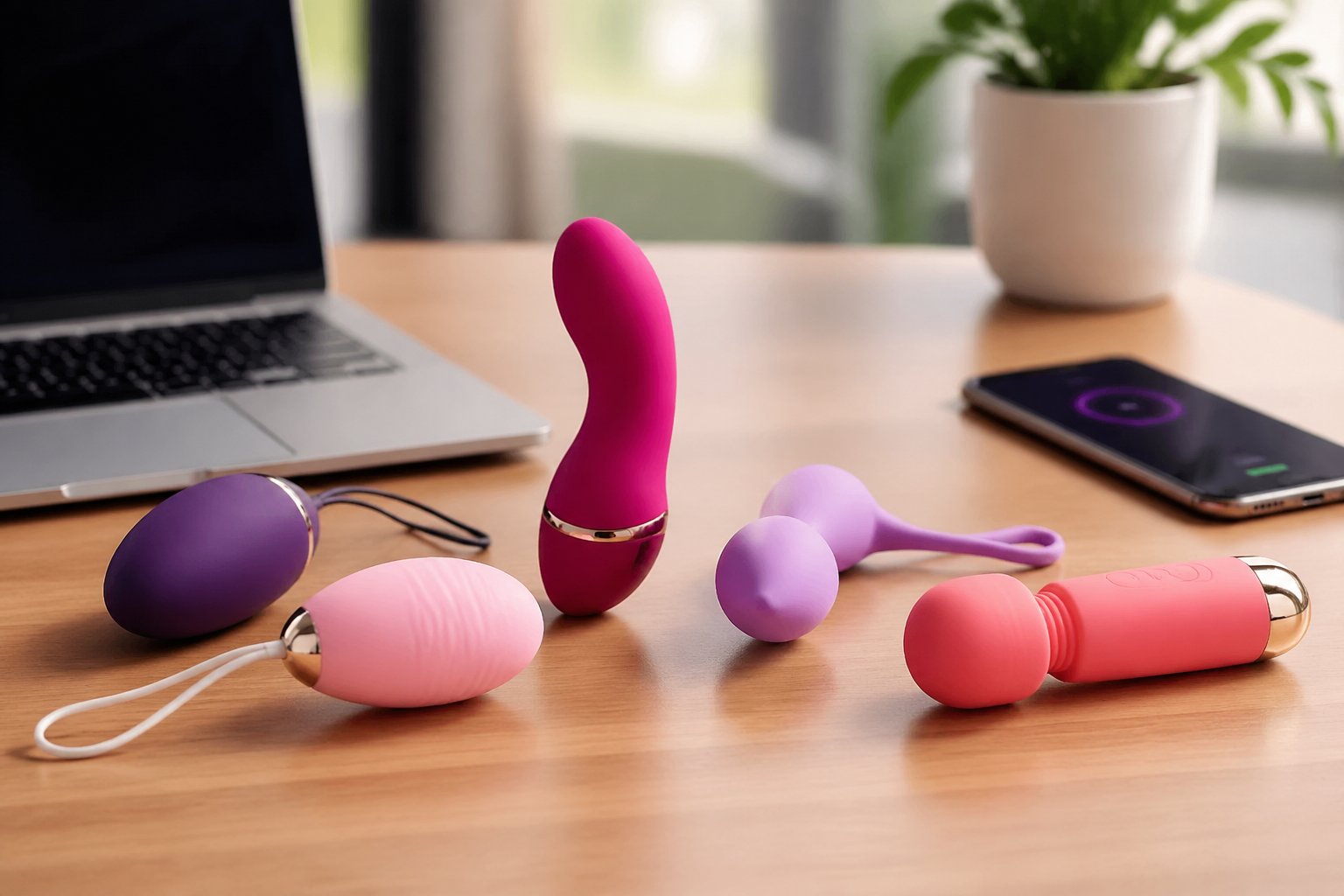
Haptic Tips on Chatterbate: How Interactive Cam Toys Work
Haptic Tips Explained: How Interactive Cam Toys Respond to Tips
Haptic Tips Explained: How Interactive Cam Toys Respond to Tips
Ever wondered how a tip in a live webcam room can make a connected toy respond? That's the idea behind haptic tips: a viewer sends a supported tip, the performer's software recognises it, and a compatible device carries out a configured response.
It can look instantaneous on screen, but several pieces of technology are working together. The webcam platform handles the tip, the interactive software interprets it, and the connected device responds according to the broadcaster's settings.
Lovense is one of the best-known providers of this technology, with software designed for compatible live cam platforms, including Chaturbate. This guide explains how the process works, what the different tip levels mean and how performers can connect their devices.
If you're looking for live broadcasts rather than a technical explanation, explore our Lovense cams listings.
What Exactly Is a Haptic Tip?
In a live cam room, a haptic tip is a payment-triggered interaction that causes a compatible connected device to respond. The term haptic refers to physical feedback, such as vibration.
For example, a broadcaster might configure different token amounts to activate different response patterns or durations. When a supported tip is received, the software checks the broadcaster's settings and sends the appropriate instruction to the device.
The important distinction is that viewers aren't automatically controlling the toy directly. In a standard tip-response setup, they're activating rules that the performer has already configured.
Our Lovense glossary entry explains the brand and its role in interactive webcam technology.
What Happens Between Sending a Tip and the Toy Responding?
The process is easier to understand when you separate the payment, software and device connection.
- The viewer sends a tip. The hosting webcam platform processes the token transaction through its own system.
- The interactive software receives the event. A compatible integration detects the tip information made available by the platform.
- The software checks the settings. It compares the tip with the broadcaster's configured levels, ranges or other supported rules.
- A command is sent to the connected device. If the tip matches an active response rule, the software instructs the device to react.
- The device carries out the response. The actual behaviour depends on the toy, connection and settings.
With a compatible Lovense setup, this process can involve the Lovense Cam Extension and a supported device connection through Lovense software.
Exact connection methods vary between devices, platforms and software versions.
Is the Response Instant?
It's designed to happen promptly, but there's no universal response time. Connection quality, software performance and device availability can all affect the result.
What if the Tip Doesn't Match a Level?
That depends on the active configuration. Some setups use defined tip ranges, while other supported settings may provide different response rules.
Check the room's displayed levels rather than assuming every token amount activates the toy.
Can the Toy Respond Without a Tip?
Potentially. Some connected-device systems support additional controls, games or manual operation. A tip-triggered response is only one possible feature.
Understanding Lovense Tip Levels
Tip levels are the rules that connect a token amount with a particular device response. They're configured by the broadcaster using the options supported by their software.
A level may specify an amount or range, an intensity and a duration. Some setups also allow performers to choose which connected devices respond.
Three Details Worth Checking
- Token amount: the tip value or range associated with the response.
- Intensity: how the device is configured to respond.
- Duration: how long the response is intended to last.
Not every device supports the same types of response. Some may offer different modes or patterns rather than a simple intensity scale.
Where Are the Levels Displayed?
Depending on the broadcaster's setup, you may find them in the room topic, a tip menu, an on-screen widget or another supported interface.
Always check the current room information before tipping. A broadcaster can change their configuration between sessions.
Are Tip Levels the Same as Room Goals?
No. A tip level usually relates to a configured device response, while a room goal tracks progress towards a broader token target.
Both features can exist in the same room, but they serve different purposes.
Read our tip goal glossary or explore the goals guide for more information.
Beyond Tip Levels: Temporary Control, Games and Commands
Tip-triggered vibration is only one part of interactive cam technology. Compatible software may offer additional ways for viewers to participate.
Give Control
Lovense has offered features that allow broadcasters to grant viewers temporary control of compatible devices.
Where supported, the performer chooses whether to enable the feature and configures the available conditions, including supported durations or tip requirements.
This is different from ordinary tip levels because the viewer may receive a limited control interface rather than simply triggering a predefined response.
Interactive Games
Some integrations support games or other interactive activities that can be linked to tips or device responses.
The available games depend on the software version and broadcaster's configuration.
Special Commands and Status Displays
Compatible tools may also provide room commands, device-status information or visual feedback showing when an interaction has been triggered.
These features are optional. Seeing them in one room doesn't mean they'll be available in another.
Who Controls the Toy During a Live Show?
The broadcaster controls whether their connected device is enabled and which interactive features they choose to offer.
They may adjust levels, pause interactions, disconnect the device or stop broadcasting. A tip doesn't give viewers unlimited control over the performer or the equipment.
Does Tipping Guarantee Anything Beyond the Device Response?
No. A configured level describes an intended device interaction, not an agreement to perform additional activities.
All participation remains subject to consent, broadcaster boundaries and the hosting platform's rules.
What if the Toy Disconnects?
Connections can fail, and a device may become unavailable during a show. If a paid interaction doesn't work as expected, check the hosting platform's support and payment policies.
Chatterbate.net doesn't process token transactions or control third-party devices.
Can Interactive Toys Be Used in Private Shows?
Some broadcasters offer connected-device interactions during paid private sessions, but availability depends on the performer and platform.
Our private shows guide explains how private sessions generally work.
For Performers: How to Connect a Lovense Toy to a Cam Room
If you're a broadcaster setting up interactive features, the general process involves installing compatible software, connecting your device and configuring how tips should trigger responses.
The precise steps depend on your device, operating system, browser and current Lovense software.
- Check compatibility. Confirm that your Lovense device and webcam platform are supported by the current software.
- Install the official software. Follow Lovense's current instructions for the appropriate cam integration and connection application.
- Connect your device. Pair the toy using the supported connection method and confirm that it appears in the software.
- Configure your tip levels. Choose the token amounts, responses and durations supported by your setup.
- Enable the integration. Connect the interactive software to your supported broadcasting platform.
- Test the connection. Use the official testing tools or supported test procedure before relying on paid interactions.
- Review your settings before going live. Make sure the displayed levels match the responses you're comfortable offering.
Do You Need Lovense Connect?
Some configurations use Lovense Connect to link a device to the interactive software. Other supported setups may use different connection methods.
Follow the current instructions for your specific device rather than assuming every product connects in exactly the same way.
What About the Lovense Cam Extension?
The Cam Extension is part of Lovense's cam integration ecosystem. Its supported browsers, platform connections and setup procedures may change over time.
Use Lovense's official documentation for the latest installation and troubleshooting instructions.
Should You Test With Real Tokens?
Prefer the official testing options where available. If a real transaction is necessary, confirm the platform's rules and any associated costs first.
Why Didn't the Toy Respond to a Tip?
A missing response doesn't always mean the tip was ignored. Several parts of the setup need to work together.
Common possibilities include:
- The tip amount didn't match an active response rule.
- The connected device was paused, disconnected or unavailable.
- The integration wasn't receiving the platform's tip events correctly.
- The broadcaster changed their levels during the session.
- A software or network problem interrupted the connection.
Viewers usually can't diagnose the broadcaster's setup from outside the room. If an interaction appears not to have worked, follow the platform's support process rather than repeatedly sending tips.
Performers should check their device connection, integration status and current response settings using the official software.
Do You Need Tokens to Watch an Interactive Cam Room?
Public Chaturbate rooms generally allow viewing without purchasing tokens, subject to current access rules and restrictions.
You can watch a public broadcast with an interactive toy even if you don't send any tips yourself. Purchasing tokens is only relevant if you choose to use supported paid interactions.
You also don't need to own a Lovense toy simply to watch a broadcaster using one.
If you want to estimate token spending before buying, our token calculator is a planning tool and doesn't process payments.
To discover live rooms associated with compatible devices, browse Lovense cams on Chatterbate.
Haptic Tips: Common Questions
What Is a Haptic Tip?
It's a supported tip-triggered interaction that causes a compatible connected device to respond according to configured settings.
Does Every Tip Make the Toy React?
No. Responses depend on the active tip levels and other supported rules.
Can a Performer Change the Tip Levels?
Yes. Broadcasters can manage their available interactive settings using the controls supported by their software.
Do I Need My Own Lovense Toy to Tip?
No. A viewer doesn't need to own a connected device to send a supported tip.
Can Viewers Take Direct Control of a Toy?
Some compatible setups support temporary viewer-control features when enabled by the broadcaster.
Is Give Control Available in Every Room?
No. It depends on the software, device and broadcaster's configuration.
What Happens if a Toy Disconnects?
The intended response may not occur. Check the hosting platform's support and payment policies if a paid interaction fails.
Does Tipping Oblige a Performer to Do Anything Else?
No. A tip doesn't override performer consent, personal boundaries or platform rules.
Does Chatterbate Process Haptic Tips?
No. Tips and payments are processed through the originating webcam platform. Chatterbate.net operates as an independent affiliate directory.
Related Guides in this Category
All Tips & Features →


Ready to experience live cams?
Watch Live Cams Free